Choose the place and the organisation responsible for your task
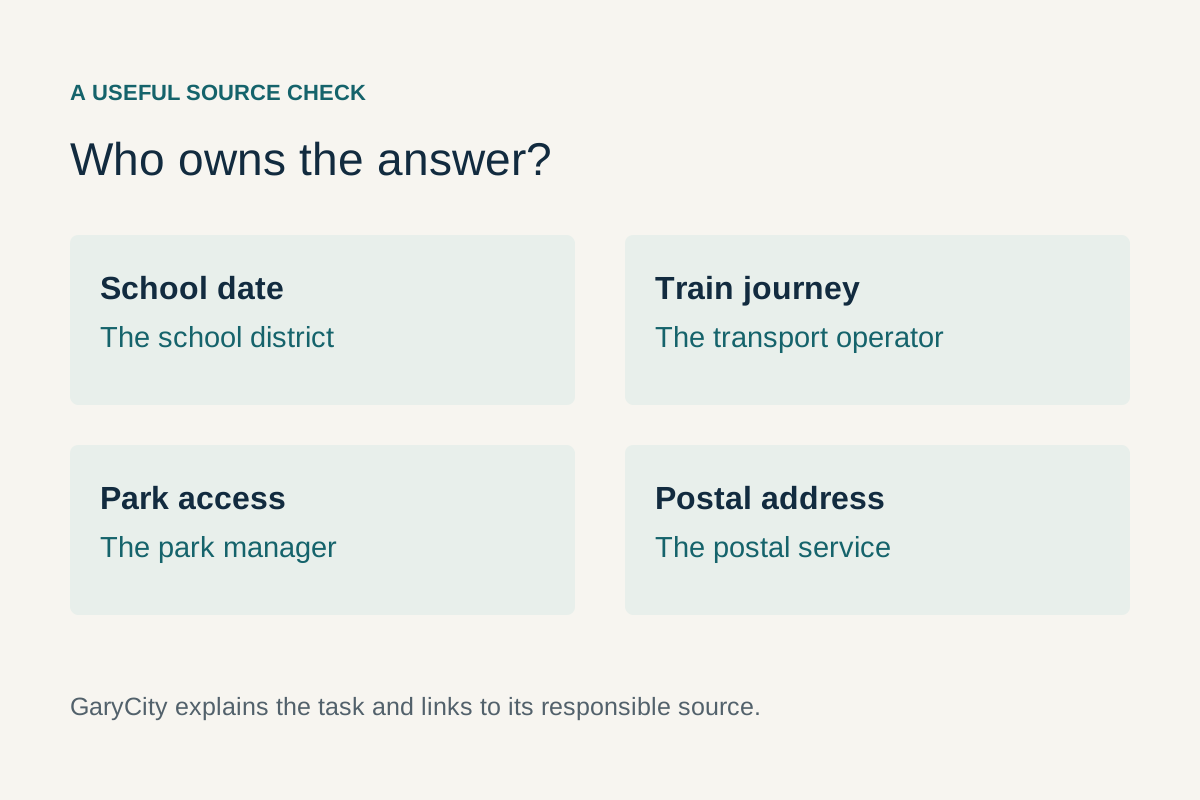
Use this page to reach real city, county, school, transport and community resources for Gary, Indiana and Gary City, Texas. Start with the task rather than the first result containing Gary. A county department, school district and private provider can all serve a resident without being part of the same organisation.
GaryCity is an independent guide. We do not receive official service reports, process payments, enrol students or submit job applications. Follow the linked organisation's own process to complete those actions. Sources reviewed ; changing notices and individual arrangements should be checked on the responsible site when you use them.
The shortest useful description of your request
Prepare one sentence containing the place, location and outcome: “I need to know which office handles this record for this address in Gary, Indiana,” or “I want the district's current instructions for this school enquiry in Gary, Texas.” Add a reference number if you already have one. This gives a contact enough context to help without beginning with a long account of unrelated searches.
For immediate danger, use the appropriate emergency service rather than a routine web request. The city reporting routes below are for the non-emergency tasks described by their operators. An online acknowledgement is not evidence that someone has attended the location or that an urgent issue has been resolved.
A source for each common task
| Task | Gary, Indiana | Gary City, Texas area |
|---|---|---|
| City contact or routine issue | Gary 311 and the city website. | ETCOG's City of Gary directory entry. |
| County records or departments | Lake County services. | Panola County offices. |
| School enquiries | Gary Community School Corporation. | Gary Independent School District. |
| Employment starting points | City human resources and Indiana workforce resources. | District employment route and county jobs page. |
| Weather source | NWS Chicago regional information. | NWS Shreveport regional information. |
| Community-service referrals | Indiana 211. | 2-1-1 Texas. |
These are starting routes, not assertions that a particular vacancy, appointment, benefit or service slot is available. The pages below explain how to move from the right organisation to a concrete answer. If the first contact refers you elsewhere, record the receiving department and the reason for the referral so the next conversation does not restart from zero.
Report a non-emergency city issue in Gary, Indiana
Gary 311 is the city's route for non-emergency concerns including dumping, recycling-bin requests and streetlight issues. Use the official city page to reach its reporting system. Select the location of the problem, not automatically your own address, if the issue is somewhere else.
Make the report easy to understand
Describe what you observed, where it is and when you observed it. Add a useful landmark if the location has no obvious street number. If photographs are appropriate, show the issue without unnecessarily including unrelated people or private documents. Separate observation from inference: “the light was not working at this time” is clearer than a guess about why it failed.
Keep the confirmation or reference number and follow the operator's tracking route. If the issue changes, update the existing record when the system permits rather than creating several indistinguishable reports. A follow-up should identify the original reference and the new information. This helps the office connect the enquiry with the work already recorded.
Use departments for specialist questions
A routine report and a permit enquiry are different tasks. For a proposed project, use the Zoning Department or Building Department as appropriate. For a general city question, begin at the city's own navigation and identify the department. Do not treat GaryCity's contact form, if used to correct this guide, as a way to notify the government.
Reach the city contact for Gary City, Texas
The ETCOG directory entry provides the City of Gary's municipal contact. Use that entry to begin a city enquiry and confirm the responsible office. It lists a postal mailing destination, so obtain a physical location before travelling for an office visit or meeting. A post-office box is not visitor guidance.
Ask which responsibility applies to your location
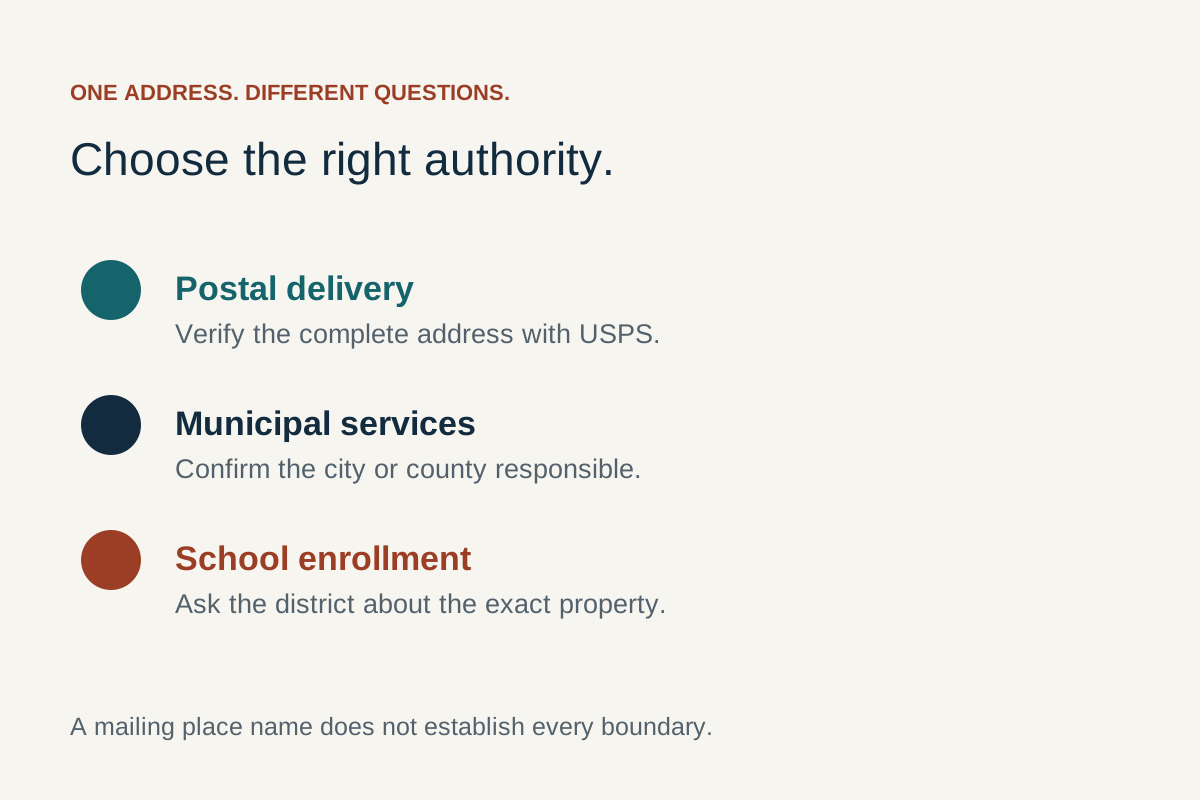
Give the full address and task. For example, ask who handles the service or record rather than assuming that a Gary postal address settles jurisdiction. If the matter belongs to Panola County, a district or a private provider, ask for the organisation and department name. Keep that referral with your notes.
For a meeting, seek the actual notice or current confirmation of the date, venue and arrangements. A recurring directory entry is useful background but should not become an announcement for a particular meeting. Similarly, do not infer a current officeholder from a directory term which has already ended.
Use clear labels in your own records
Record “city enquiry,” “county enquiry” or the provider's name beside the contact. This is helpful when several organisations discuss the same address. If someone asks which office gave an answer, you can identify the source precisely instead of saying only “Gary told me.” The distinction also prevents accidentally contacting the Indiana city about a Texas matter.
Find records through the appropriate county route
In Indiana, Lake County's Find page separates public records, assessor parcels, property-tax records and other tasks. In Texas, Panola County's office directory identifies the departments. Use the category matching the record you need, rather than expecting one office to hold every document.
Name the record and the required form
A question about viewing a record online differs from a request for an official or certified copy. Before travelling or ordering, identify the document, relevant name or property reference and the purpose for which you need it. Ask the department about its current process, identification requirements, fees and delivery method. This guide does not substitute a generic document checklist for the department's instructions.
For property research, use homes and land to connect the records with the actual decision. An assessment record, recorded instrument and tax account are distinct. A successful search in one does not establish that the others have been reviewed or that a transaction question has been resolved.
Keep searches proportionate
Use the minimum identifying information needed to find the correct record. If several people share a name, do not select one merely because the first name matches. Confirm the relevant identifiers using the office's process. Keep personal records private and avoid copying unrelated information into a public post when asking for help with a search.
Contact the school organisation for calendars, attendance and support
Gary Community School Corporation is the Indiana school-system starting route included here. Gary ISD is the Texas district route. Confirm the exact school organisation relevant to the address and student's circumstances; similar initials or the word Gary in an advertisement do not settle attendance.
Choose the correct kind of calendar
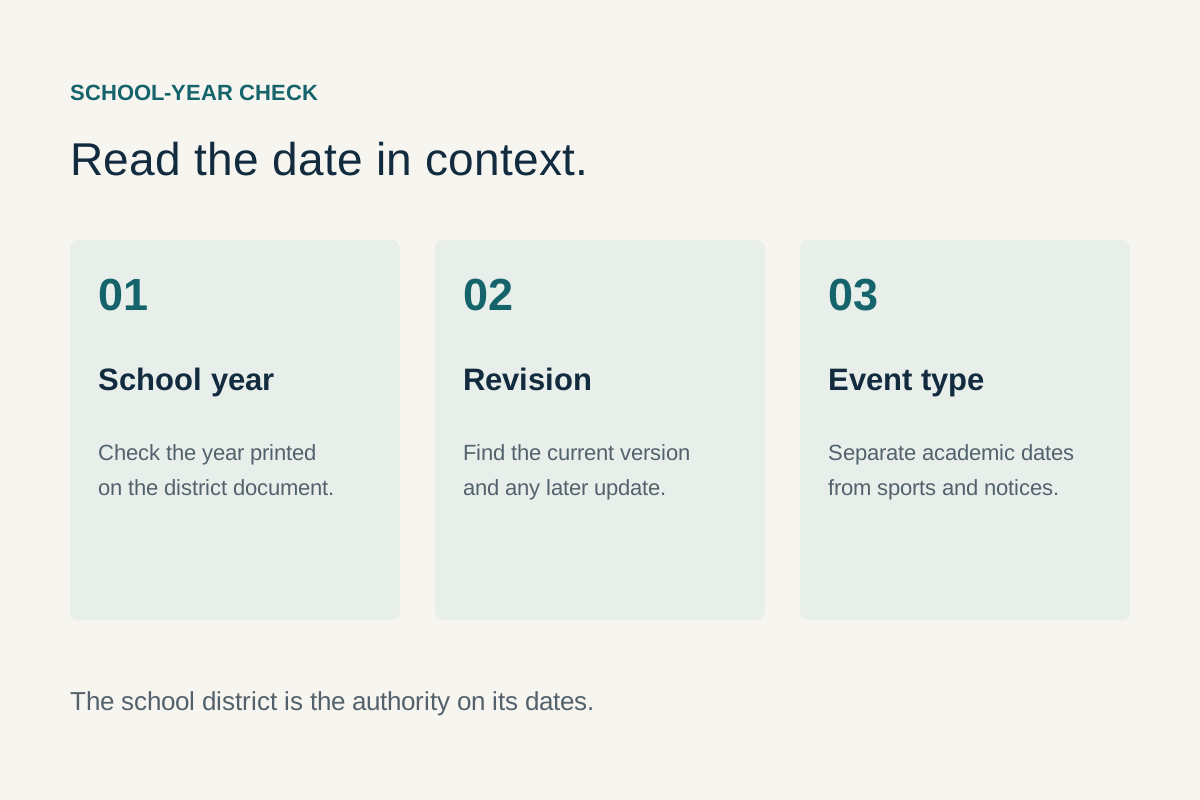
An academic-year calendar, a sporting fixture and an individual event notice answer different questions. For Texas, begin with the Gary ISD calendar guide and the district's own source. For Indiana, use the corporation's current calendar and school-contact navigation. Check the year and revision before using dates to arrange childcare, travel or time off.
For an event, verify the campus or venue, visitor arrangements and any later change notice. A school name can refer to an organisation while the event takes place elsewhere. Ask the organiser about the particular activity instead of transferring details from a different team's schedule.
Prepare an address-specific school enquiry
State whether you are asking about enrolment, transport, records or a support discussion. Ask which staff member or process handles the question and what documents should be supplied through the official channel. Avoid sending a student's personal records with an initial general enquiry unless the organisation has instructed you to do so. Keep the reply and any required next action in a private family note.
Use the library as a practical information resource
The Gary Public Library locations page lists the Public Library and Cultural Center at 220 West 5th Avenue, Kennedy at 3953 Broadway and Woodson at 501 South Lake Street. Choose the branch and check its current opening and holiday information before travelling. These are Indiana locations, not resources claimed to be in Gary, Texas.
Ask about the service you need
The library's services page describes research and digital services, including Wi-Fi and printing. Ask the selected branch about access, current charges and any relevant arrangements. A service listed somewhere in the system may need a particular branch, account or appointment; confirm the part that matters to your task.
If you need to print a form for another office, first obtain that office's current version. Check whether a signature, original document or electronic submission is required. Printing an old form successfully does not make it the correct form. For private records, collect your pages and follow the computer or printing service's instructions for ending the session.
Plan local-history research separately
For an archive visit, identify the topic, names, dates and materials you hope to consult. Use the library's current research route to ask about availability rather than assuming ordinary branch hours provide unrestricted archive access. Our Indiana history guide provides context for beginning a focused enquiry. A prepared question gives staff a better chance of identifying a useful collection than an unbounded request for everything about Gary.
Find employment sources without mistaking them for live vacancies
For Indiana municipal employment, use Gary's Human Resources page. For broader search and training routes, the Indiana Department of Workforce Development provides job-seeker resources and WorkOne navigation. An employer's careers page is an application starting point; it does not prove a particular role is currently being recruited.
For Texas, use Gary ISD's employment route and Panola County's jobs page for those employers. Countywide work should be labelled by its actual workplace. A job in Carthage or another town is not converted into a Gary city job because it serves the surrounding area.
Check five details before preparing an application
- The employer and whether the posting is on its own site or linked hiring system.
- The current title or reference and whether the role remains open.
- The actual workplace, schedule and any travel requirements.
- The stated qualification and application requirements.
- The deadline, submission route and confirmation process.
Record the source and date with each opportunity. If the page displays no vacancy, use the employer's contact route to clarify the process rather than guessing that an old indexed posting remains active. Do not send a résumé or identity information to a look-alike email found in an unrelated listing. This directory does not collect applications or claim access to hidden openings.
Connect a learning goal with the right provider
For regional Texas adult education, Panola College's Adult Education and Literacy page describes high-school-equivalency preparation and English-language learning at Carthage and Marshall campuses. These are regional locations. Ask the college about the relevant intake, eligibility, attendance pattern and any exam or related costs; do not assume every activity is provided in Gary.
Describe the result you want
When contacting a provider, explain whether you want a qualification, language practice, a specific skill or help planning the next step. Ask which programme matches that goal and what preparation is expected. A course name alone may not tell you the entry process, duration or timetable.
For Indiana options, begin with the workforce department's education and training navigation or the relevant institution's own admissions information. Keep a referral to a provider separate from an offer of a place or funding. Write down the next action, responsible contact and any deadline. This makes it easier to compare a learning plan with work and household commitments without claiming eligibility in advance.
Check weather, notices and outdoor conditions at the source
Use National Weather Service Chicago as a regional weather starting point for northwest Indiana, and NWS Shreveport for the East Texas region. Select the intended location and read the issue time. This page does not display a live weather feed or claim that a saved forecast remains current.
Match the product to the decision
A regional discussion, a local forecast, an airport observation and a lake or beach product are different sources. For a specific outing, check the source relevant to that activity. A pleasant-looking observation inland does not settle conditions on the Lake Michigan shore, and a county forecast does not announce an organiser's decision about an event.
Use the responsible local authority's notice for a closure or restriction. In Texas, the Panola County homepage links county notices; read the actual dated notice or order before relying on it. An old banner, social-media image or search snippet should not be recast as the present status.
Keep plans flexible where conditions matter
Reopen the relevant source before travelling, then check the destination's own update. If a key source will not load, record the gap and use its official contact or linked alternative. An unavailable webpage is not evidence that there are no warnings or restrictions. Choose a different activity if you cannot resolve a condition essential to the plan.
Plan transport using operator information
For Indiana rail, use South Shore Line's station guide and its current schedule and advisory navigation. For bus routes, use GPTC's official route page. Our Chicago transport guide explains how to connect the sources without inventing a guaranteed journey.
Check the whole trip
Identify the origin, destination, date and arrival requirement. Then check the correct direction and service day, the final connection and the return. A route map tells you where a route goes; it does not confirm a departure on the day you need. Keep any current operator advisory with the plan so an older saved schedule does not override it.
Ask about the arrangements relevant to your journey, including accessibility, equipment, boarding and any reservation. Do not infer an accessible trip from a single station symbol. The route between a stop and a usable entrance also matters. For a visit to an office, allow time for the office's own check-in process, not just the vehicle arrival.
For a Texas appointment
Use the destination's actual address and confirm the visitor entrance before arranging travel. A county service may be located in Carthage even when it serves a Gary resident. If transport help is needed, ask the relevant service provider or community referral route about available options and their conditions rather than assuming an unverified local bus or pickup service exists.
Keep park managers and access points distinct
For Indiana, the city's Marquette Park map and rules and the National Park Service's Indiana Dunes conditions page serve different managed places and information needs. Check the relevant manager for the activity and access point. Do not assume one site's rules or opening information applies to every nearby shoreline.
For Texas regional recreation, TPWD's Lake Murvaul access page identifies named facilities and the responsible water-district operator. These are regional resources, not a claim that each facility lies inside Gary City. Select the actual park or ramp before asking about current arrangements.
Ask the question the listing does not answer
If your visit depends on a toilet, accessible route, reservable space or particular activity, confirm that feature for the intended date. A map icon identifies a listed facility; it does not establish current availability. For a group gathering, ask about the organiser's responsibilities and any booking process before telling others that a space is reserved.
Use the Miller Beach guide for the area's main planning distinctions and our lakefront-day article for an outing built around more than swimming. Both keep the particular site and current conditions visible in the plan.
Use the correct government route for vehicles and elections
Vehicle and identity tasks
The Indiana Bureau of Motor Vehicles provides separate navigation for licences, identification, registrations, titles and branch visits. Choose the transaction first, then confirm the current document and appointment instructions. Do not assume a previous visit's paperwork is sufficient for a different transaction.
For Texas vehicle registration and title services, the TxDMV Panola County office page is a county-office starting point. Check which service you need and where it is handled. A vehicle-title task and a driver-licence task should not be treated as the same office visit simply because both involve a vehicle.
Election questions
Use the relevant county's election route or the state's official voter information, reached through the government site. Confirm the election, registered address and the specific question: registration status, a polling location or a voting procedure. A city meeting notice and a school event calendar do not answer those questions.
Keep election information dated and tied to the particular election. Do not reuse a previous polling-place screenshot as an announcement for the next one. This guide supplies routing, not an eligibility determination, legal deadline or substitute for the election authority's instructions.
Find community-service referrals without assuming eligibility
Indiana 211 provides a state-supported route to community resources. 2-1-1 Texas offers resource searches by need and location; Texas Health and Human Services also explains its information and service-contact routes. Use the appropriate state and describe the actual need.
Make a referral usable
Ask what area the programme serves, whether it is accepting enquiries, how to apply and what information is needed. A resource being listed does not guarantee eligibility, funding or an immediate appointment. Keep the programme name and intake route so that the next call is to the right service rather than a similarly named organisation.
If the first referral does not fit, explain why: wrong area, unavailable appointment, different age group or a service that does not address the need. That information helps narrow a further search. Avoid sending sensitive documents to every entry in a directory; obtain the receiving programme's current instructions first.
Ask about communication and access requirements
Tell the organisation if you need an interpreter, an accessible appointment arrangement or a way to complete the process without a particular device. Ask which options it can provide. Keep assistance with an application separate from a decision approving it. GaryCity cannot determine eligibility or represent that a referral has secured a service.
Verify a restaurant, accommodation or other business directly
A useful business search begins with the current operator, actual address and intended date. If a listing says “near Gary,” identify the real town and distance relevant to your destination. This matters in both states: a nearby service can be useful without being inside the city, but the location should remain clear.
Confirm the detail that affects your visit
For a meal, check opening, booking needs and any specific accessibility or dietary question with the business. For accommodation, confirm the property, room terms, arrival arrangements and current total charge through the actual provider. A map pin or historic review should not be treated as confirmation of today's operation.
This edition does not invent a “best” ranking or present an unverified business directory as complete. Use the city guides to orient the search, then verify the business itself. If you discover a moved or closed listing in our material, send the specific page and current first-party evidence through the publisher contact route; government and business transactions still belong with their actual operators.
Prepare one office visit that can accomplish the task
Before travelling
- Identify the department and the particular transaction or enquiry.
- Confirm the physical address, public entrance and current visit arrangements.
- Obtain the office's current list of documents, forms and payment options where applicable.
- Ask about appointments, accessibility or interpretation if needed.
- Save the contact route and any reference number in readable text.
Combine errands only after checking that their locations and opening arrangements fit. A county complex address may not identify the room handling your task. If a department uses an online process, ask whether an in-person visit is useful before arranging travel. This avoids arriving at a building with a task that must be completed elsewhere.
After the visit or submission
Retain the acknowledgement and the next action. Identify whether the task is complete, awaiting review or awaiting information from you. A submitted form and an issued document are different stages. If the office provides a follow-up method, use it with the same reference rather than starting an unrelated enquiry that cannot be connected to the first one.
If the process fails, record the precise problem: a rejected upload, missing confirmation, inaccessible form or unclear referral. Provide that detail through the organisation's support route. Repeatedly resubmitting without understanding the problem can create duplicate records while leaving the original issue unresolved.
Complete payments and account tasks with the actual organisation
Follow a bill to its issuer
If you need to pay a bill, begin with the organisation named on the current bill and the account concerned. The Gary 311 page links several utility-payment routes, but GaryCity itself is not a payment processor. Check the issuer and service address before continuing into a payment system. A familiar city name on a search result does not identify the account you intend to pay.
Read the available payment methods, any displayed charge and the confirmation process on the provider's site. Keep the receipt and the account reference privately. If the payment page fails or a confirmation does not appear, use the provider's support process to establish the transaction status before trying the same payment again. A return to the previous screen is not by itself a reliable indication of whether a transaction was recorded.
Separate account support from a service report
A question about the balance or name on an account belongs with its issuer. A report about a physical issue belongs with the organisation responsible for that issue. If both arise together, identify the two tasks and keep their references separate. For example, resolving a billing record does not automatically create a maintenance request, and a maintenance acknowledgement does not confirm a payment.
When moving, ask each provider what information is needed to start, end or transfer the relevant service. Confirm the effective date and the actual unit or property. Keep previous occupier details out of your own account file unless the provider specifically needs information you are authorised to supply. The address guide helps identify the location, while the provider determines its account process.
Use a clear completion record
For an application or account change, retain the submitted reference, the date and the next step described by the organisation. Mark the task as awaiting confirmation if that is its actual state. Do not treat a draft form, saved screen or general email response as an issued approval. If further documents are requested, supply them through the stated official route and connect them to the same reference.
This approach also helps when assisting someone else. Agree which task you are helping with, keep their records private and let them use the organisation's authorised process for any consent or account access. A useful checklist can be shared without distributing passwords, payment details or a folder of unrelated identity documents.
Read the date attached to the information you need
An official website can contain current navigation beside older guidance. During this review, the library services material included older update labels, the Texas regional city directory included some terms ending before the review date, and the Marquette page contained conflicting lifeguard descriptions. Those observations do not make every item on the sites unusable. They identify the particular details which need clarification.
Ask about the field, not just the website
If a visit depends on an opening time, ask about the opening time for the intended date. If a process depends on a form or appointment, confirm that process. Reaching an official homepage is a good start, but it does not turn every archived paragraph into a current instruction.
Keep a direct confirmation with its date and scope. A response about one branch, event or account should not be broadened to the entire organisation. This makes the source trail useful both when you act now and when you return to the same task months later.
Questions about using these resources
Can GaryCity send my report to the city?
Use the city's own reporting route to create an official record. A message to the publisher is about this guide unless explicitly stated otherwise. Keep the government's confirmation so you can track the actual request.
Why do some Texas resources point to Carthage?
A county or regional service can serve Gary residents from another town. We retain the actual location rather than relabelling it as a Gary city office. Confirm the destination before arranging a visit.
Does a jobs link mean the organisation is hiring?
No. Check the current employer posting and application process. A general careers page, an application held on file and an active vacancy are different things. This guide makes no claim about a role being available today.
Is the weather on a linked page current?
Read its location and issue time when you open it. A saved or cached forecast can be old. For an event, also check the organiser's own notice; the weather source does not make the event decision.
What if an official page has conflicting information?
Identify the precise conflict and ask the responsible organisation which instruction currently applies. Keep that reply with the task. Do not resolve an important difference by choosing the more convenient sentence or the newest-looking page design.
Which guide should I use for an address or property question?
Start with maps and ZIP codes to identify the location, then homes and land for a property research file. Return here when you need to reach the organisation responsible for the next action.